


We promise, you don’t need a degree in exploring
to use your journal!
You’ve found the My Travel Journal app, but are wondering where to begin? Don’t worry. We’ll guide you through your first steps. It only takes a few minutes to discover how the journal works and start preparing for your Costa Rica adventure.

Step 1. Open your journal
Click the “My Travel Journal” button to access the app.
On your first visit, take a moment to explore its interface.
You’ll find a setting inspired by travel journals, with a cover, pages, and tabs to access the different features.
Step 2. Personalize your trip
Give your journal a little personality.
Add your first name and choose a photo or an avatar to accompany you.
This journal is yours. Make it feel like you!
Step 3. Explore Costa Rica
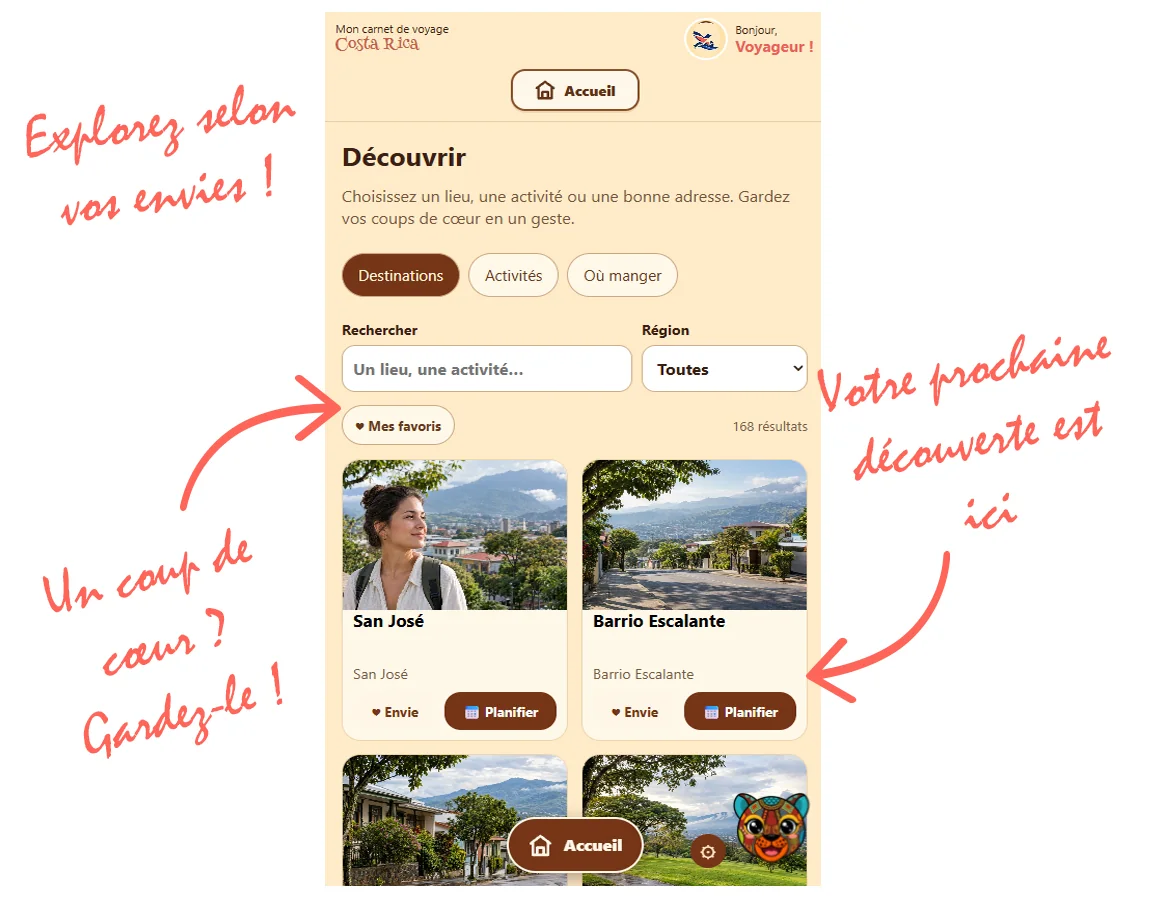
Head to the “Discover” section!
Browse the destinations, activities, and recommended places in our catalog.
Use the filters to narrow your search by region or the types of discoveries that interest you.
Spotted a nice place? Save it to your favorites or your wish list.
Step 4. Plan your days
Starting to get an idea of where you want to go?
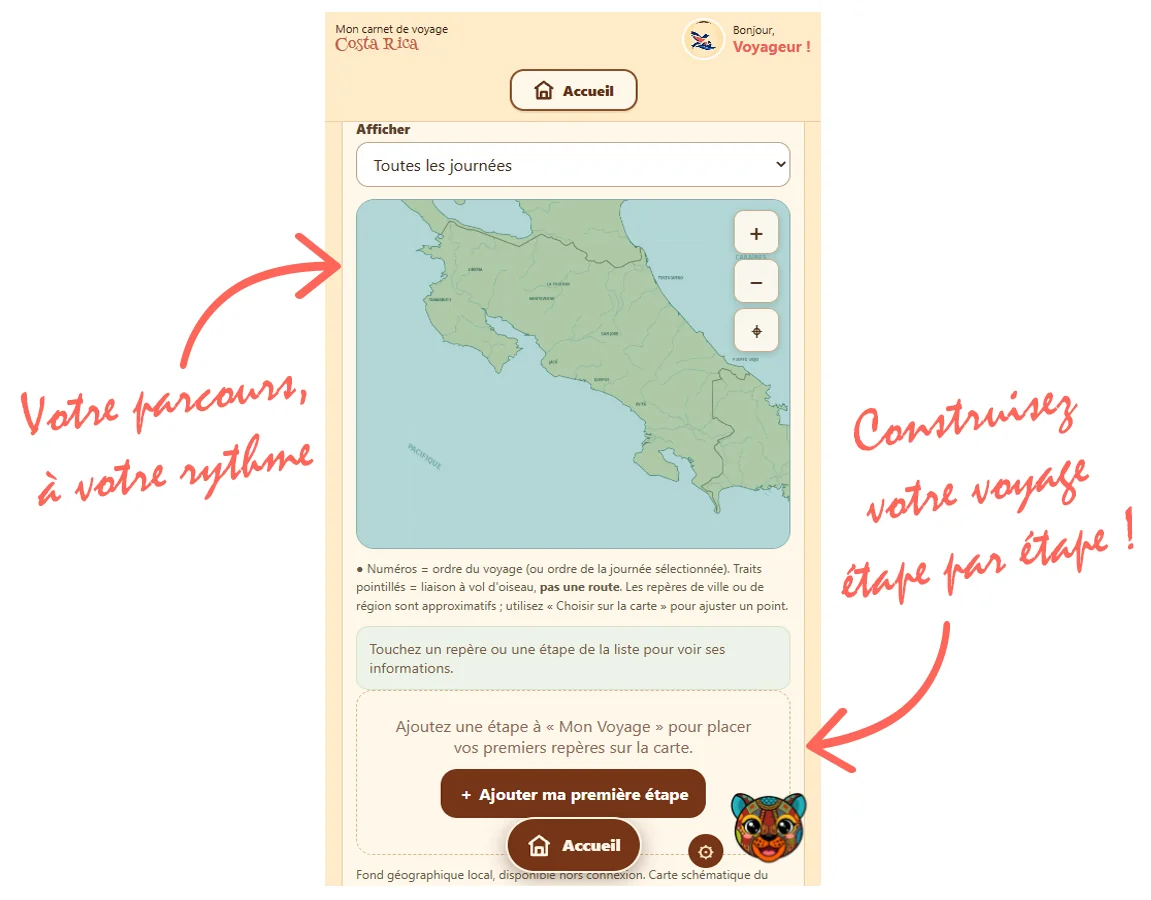
Organize the stops on your trip and spread your discoveries across your days.
Add the places you’d like to visit and gradually build your itinerary.
And rest assured, you’re perfectly entitled to plan a day of doing nothing!
Step 5. Enjoy and tell your story
Once you’re there, your journal continues to accompany you.
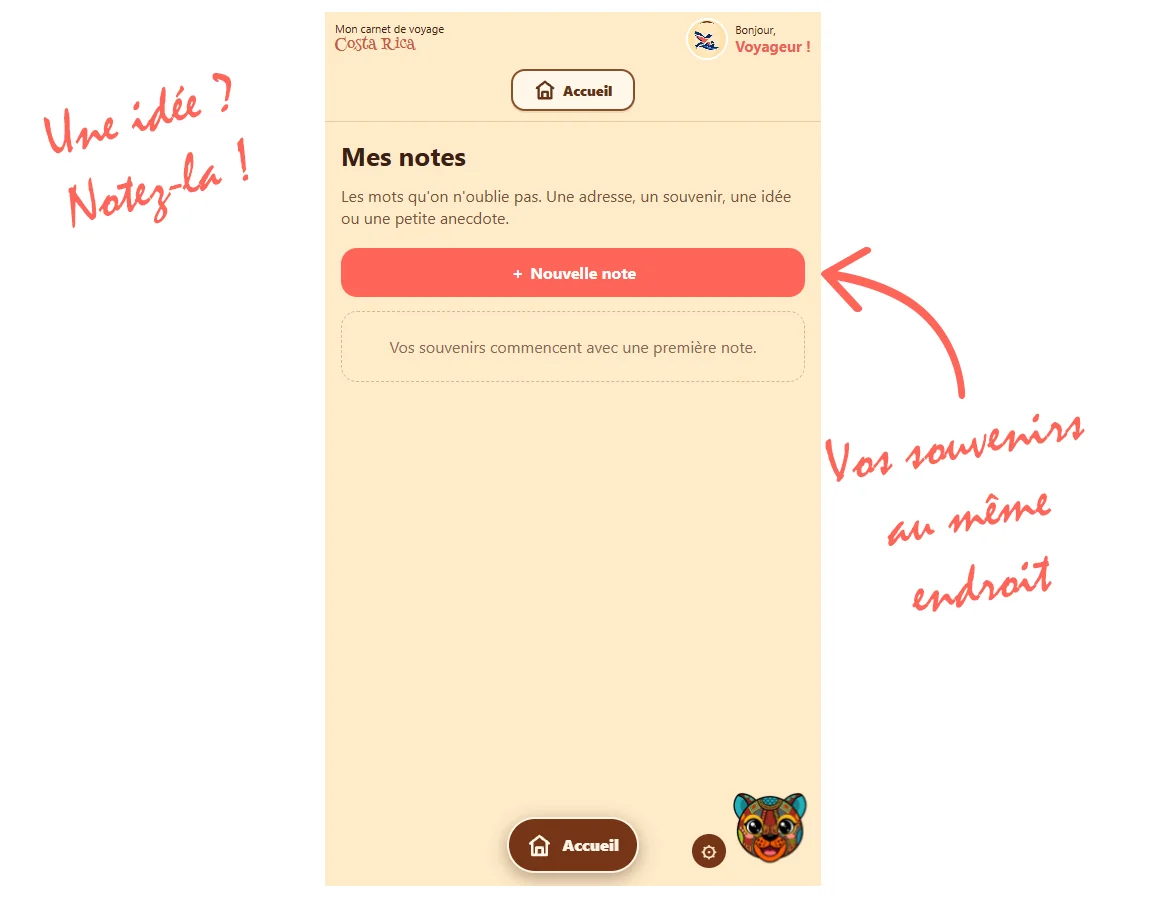
Add notes and photos to keep track of important moments.
A beautiful sunset, an animal spotted along a trail, or that little place where you enjoyed such a good meal: it’s often these details that make the best memories.
Step 6. Keep your useful information handy
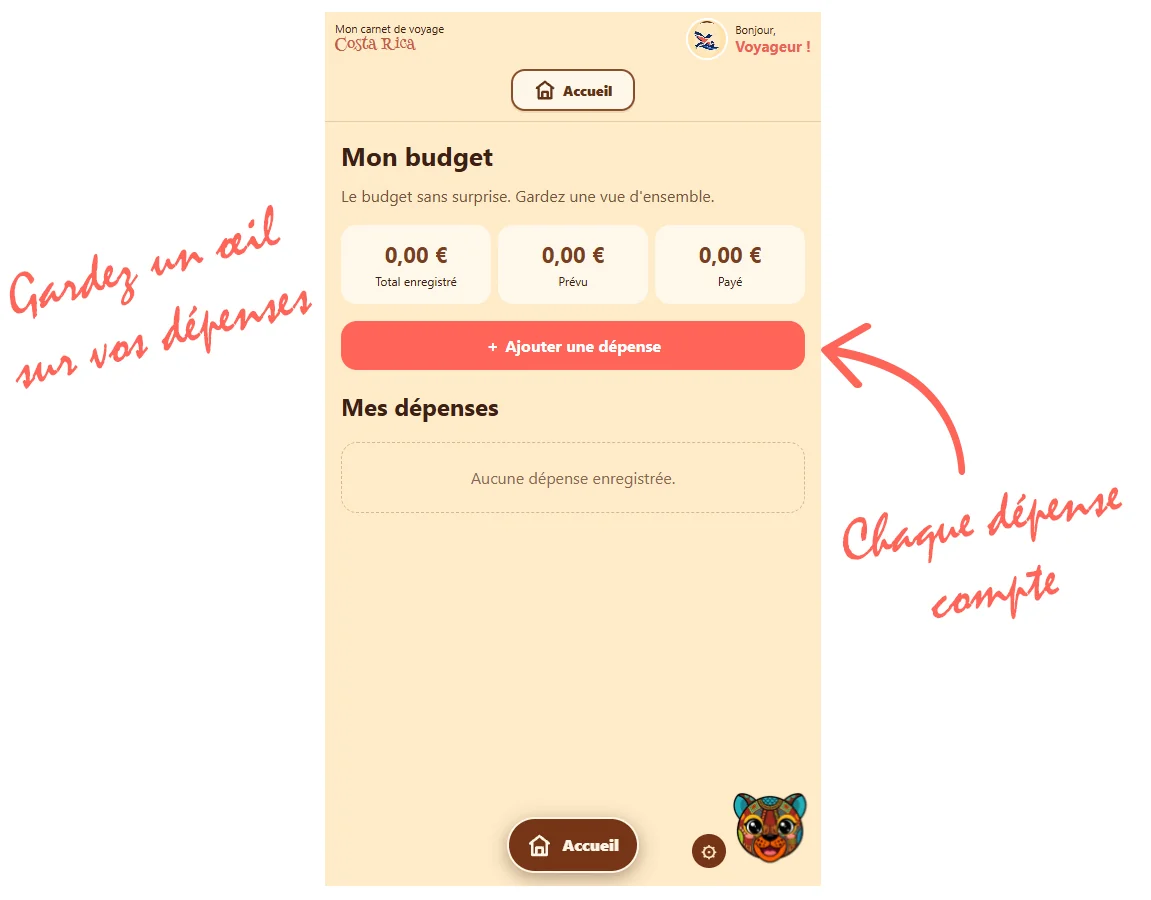
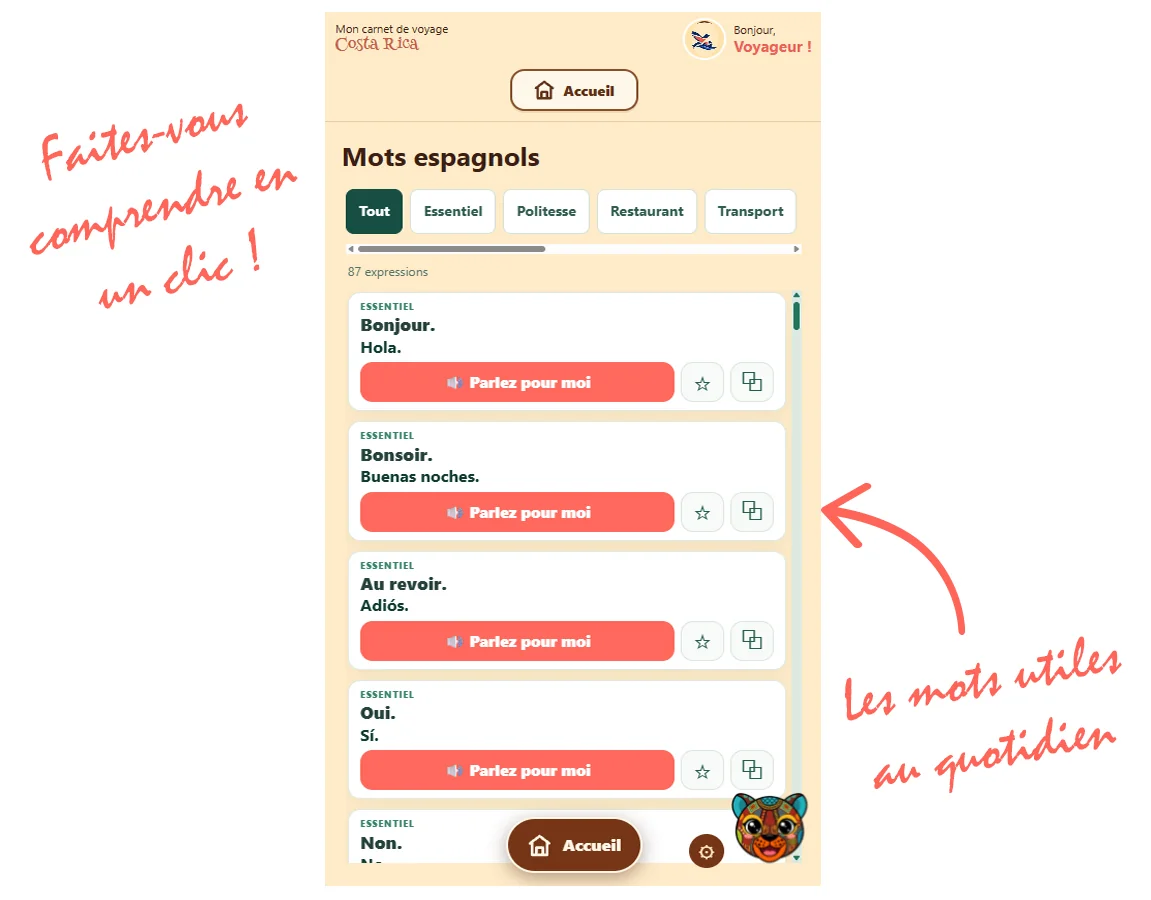
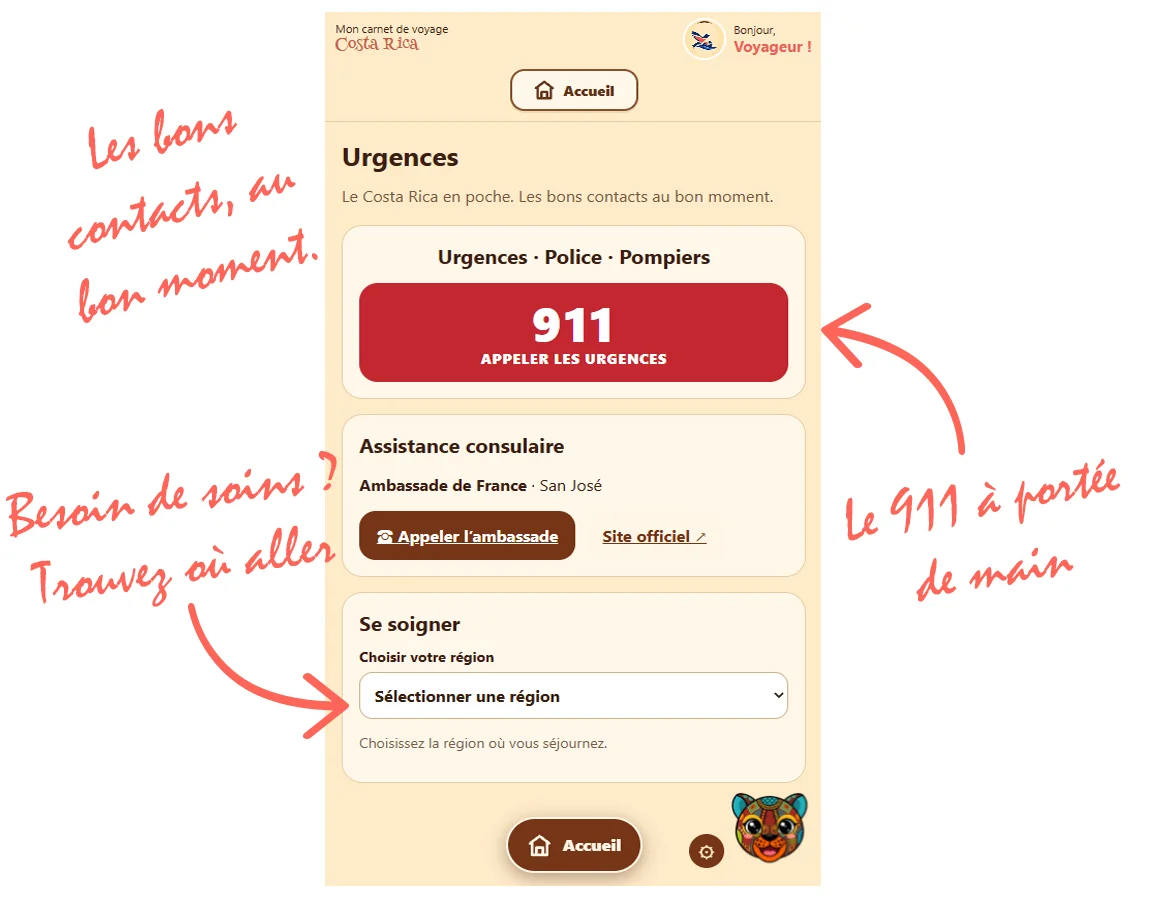
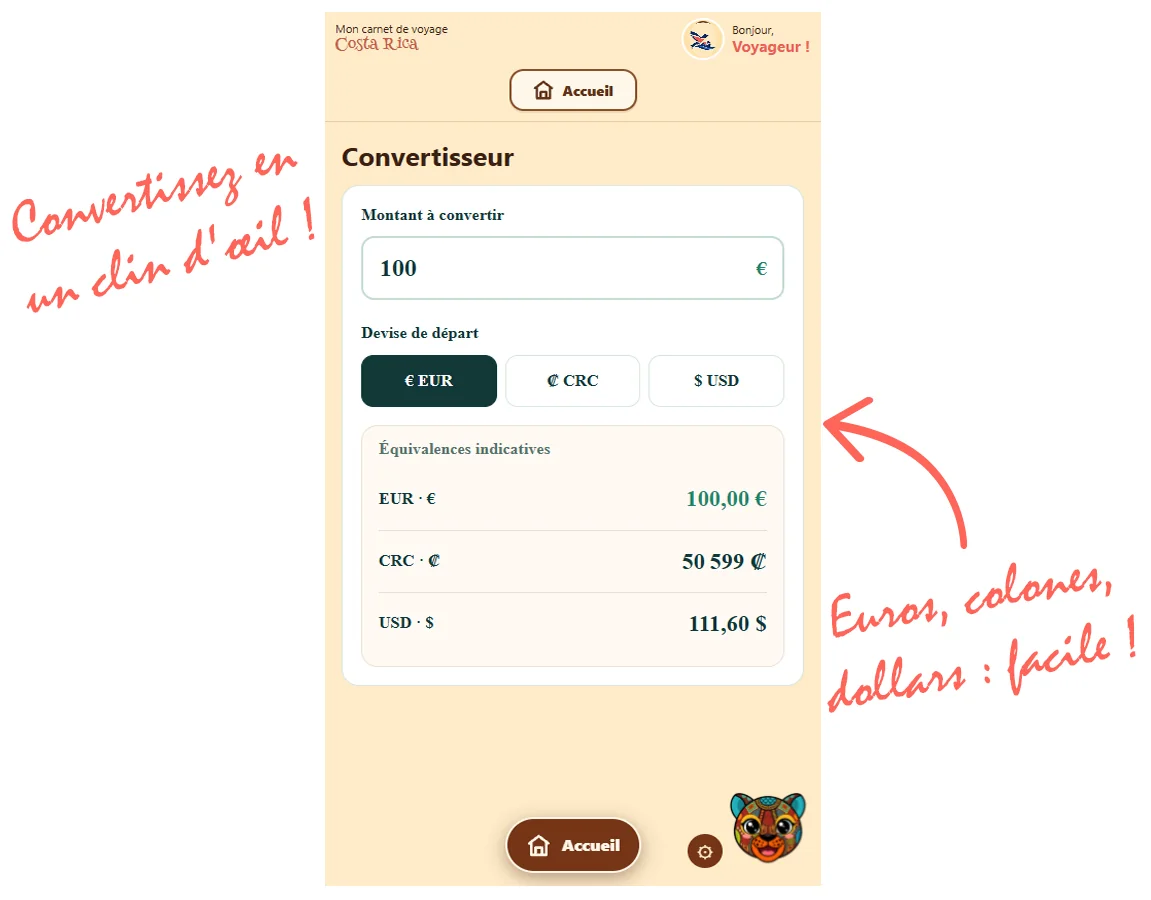
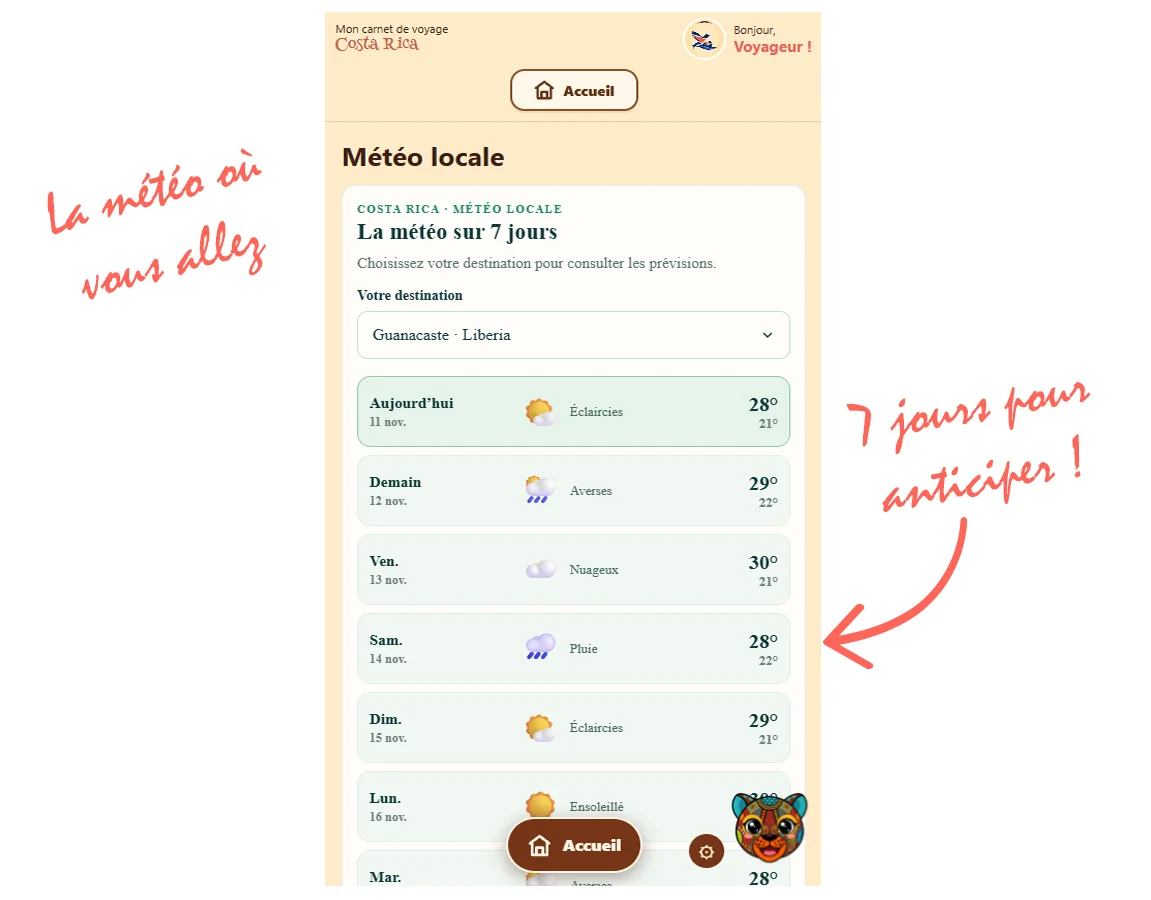
Find your reservations, record your expenses, and access the travel tools available in the app.
Your journal becomes a practical companion for keeping track of your stay.
Some information can be accessed offline. For up-to-date information, such as the weather, an Internet connection is still required.
Step 7. Back up your journal
This is an important step!
Since your information is stored locally on your device, remember to use the “Back up my journal” feature.
You’ll get a backup file to keep in a safe place.
To recover data from a backup, use the “Restore my journal” feature.
We recommend backing up your journal regularly, especially before changing phones or browsers, or deleting browsing data.
Read also: Frequently asked questions and backing up your journal.